Numbers (main keyboard and numpad): Use the number keys on the main keyboard and number pad to insert a number in to the currently selected cell. If pencil mode is activated, a pencil mark will be inserted in to the current cell instead.
Arrow keys: Move the currently selected cell up/down/left/right.
Ctrl/Shift/Alt with number: Use the Ctrl/Shift/Alt keys with a number key to insert a pencil mark in to the currently selected cell. If pencil mode is activated, using Ctrl/Shift/Alt keys with a number key will insert that value in to the current cell (not a pencil mark).
Delete/Backspace: If there is a value inserted in the currently selected cell, the value will be removed. If there is pencil marks inserted in the currently selected cell, the pencil marks will be removed.
- and =: These keys (and most of the other symbol keys on a keyboard) will activate/deactivate pencil mode.
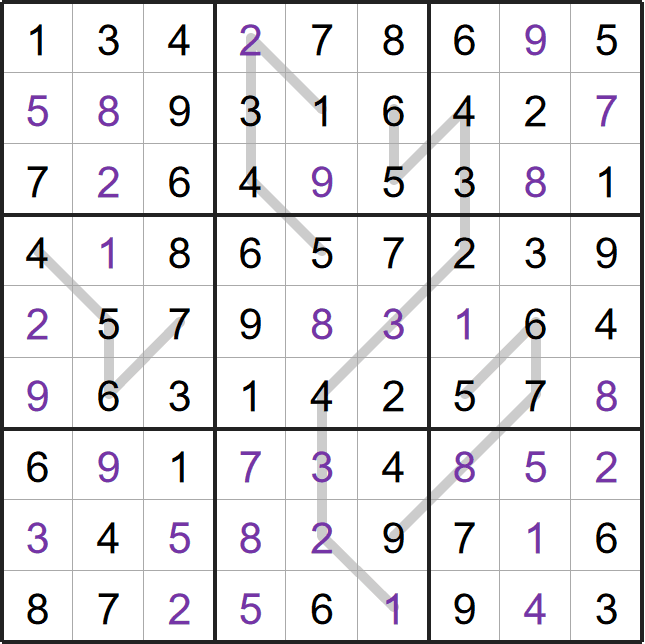
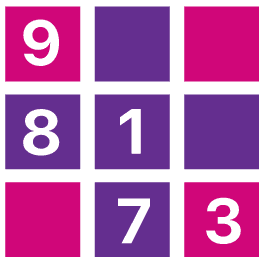
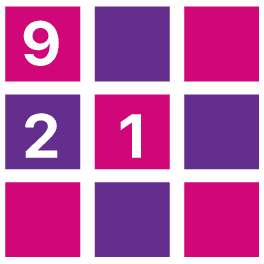
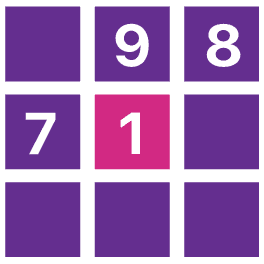
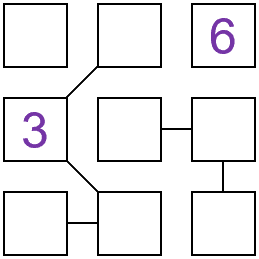
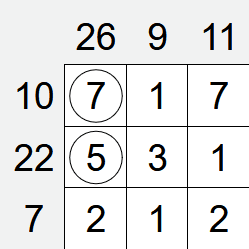
This is an example of a completed Consecutive Line sudoku.
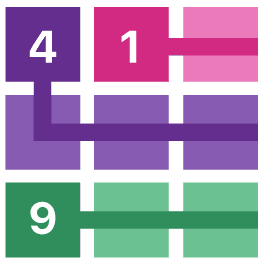
All of the usual rules of Sudoku apply, but the numbers along the lines must also be consecutive.
Duplicates along the line are allowed (provided the other rules of Sudoku are followed).
 Download image

 Consecutive Line Sudoku leaderboard
 How to play